WaSphere Documentation
Self-hosted WhatsApp API platform — multi-session, webhook-driven, developer-first. Deploy in minutes with Docker.
WaSphere
WaSphere is an open-source, self-hosted WhatsApp API platform. Connect multiple WhatsApp numbers to your own server, send and receive all 14 message types through a clean REST API, and push real-time events to your systems via signed webhooks — with zero per-message fees and zero vendor lock-in.
MIT Licensed. The full platform — WA Server, Dashboard API, and Dashboard UI — is open source and on GitHub. You own your data, your sessions, and your infrastructure.
How it works
WaSphere has three layers that work together:
1. WA Server (port 3001) — A NestJS service that maintains persistent WhatsApp Web connections using the Baileys library. It manages QR-based pairing, session state, message queuing, and anti-ban controls. All Baileys code is isolated here — nothing else touches it.
2. Dashboard API (port 3000) — A NestJS REST API that your applications talk to. It authenticates via API keys, proxies commands to the WA Server over an internal HTTP channel (injecting the WA Server token), writes audit logs to PostgreSQL, and fires HMAC-signed webhooks to your endpoints when events occur.
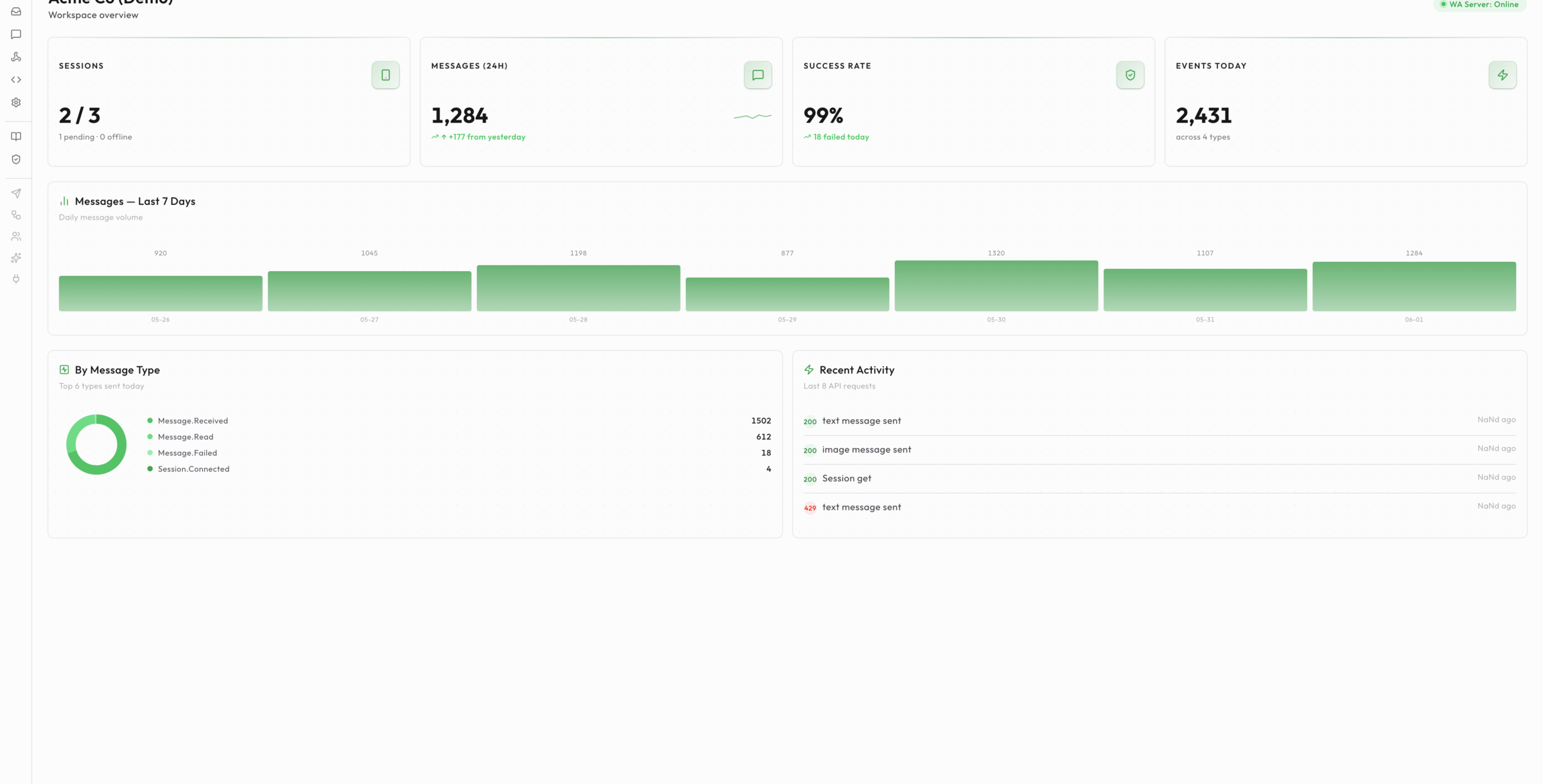
3. Dashboard UI (port 3004) — A Next.js web interface for managing sessions, API keys, webhooks, and viewing message history. Not required for programmatic use — the REST API is fully self-sufficient.
Supporting service: PostgreSQL 16 (persistent storage). WaSphere does not bundle a reverse proxy — put your own (nginx, Caddy, Traefik) in front for TLS. An optional docker-compose.prod.yml is included for Dokploy deployments.
Start here
Quick Start
Deploy with Docker, scan your first QR code, and send a test message in under 10 minutes.
Installation
System requirements, Docker Compose walkthrough, port reference, and health checks.
Configuration
Every environment variable — type, default value, and description — in one reference table.
Core concepts
Sessions
Lifecycle states, QR pairing flow, persistence, reconnection backoff, and multi-session patterns.
Webhooks
Full event catalog, payload schemas, HMAC-SHA256 verification, and retry policy.
API Keys
12 permission scopes, session scoping, rotation, and client usage examples.
Guides
Send Messages
All 14 message types (text, media, polls, reactions, lists, buttons, view-once) with cURL and Node.js examples.
Webhook Integration
End-to-end setup with Express.js, FastAPI, and Laravel — including signature verification and idempotency.
WHMCS Integration
Production-ready WHMCS hook file that sends WhatsApp notifications for orders, invoices, and support tickets.
Operations
Backup & Restore
Session file backup, PostgreSQL dumps, automated cron scripts, S3 offsite sync, and full migration walkthrough.
Monitoring
Health endpoints, log shipping, Docker health checks, uptime monitoring, and session disconnect alerting.
At a glance
| Component | Technology | Port |
|---|---|---|
| WA Server | NestJS · Baileys 6.7.21 | 3001 |
| Dashboard API | NestJS · Prisma | 3000 |
| Dashboard UI | Next.js (App Router) | 3004 |
| Database | PostgreSQL 16 | 5432 |
| Reverse Proxy | Bring your own (nginx / Caddy / Traefik) | 80 / 443 |
Use a VPS, not a home connection. WhatsApp's network requires a stable outbound IP. Running WaSphere on a residential broadband connection with a dynamic IP significantly increases the chance of session bans. A $5/month VPS (Hetzner, DigitalOcean, Vultr) is sufficient for most workloads.