Connect WhatsApp to n8n without a BSP
A complete n8n + WhatsApp integration on your own infrastructure — HTTP Request credentials, signed webhooks verified inside n8n, a working auto-reply workflow, and the failure modes nobody documents.
Connect WhatsApp to n8n without a BSP
n8n's built-in WhatsApp node talks to Meta's Cloud API. That means a Meta Business account, a verified business, an approved phone number, message templates reviewed before you can send them, and per-conversation billing. For a lot of workflows — internal alerts, order updates to customers who already messaged you, a support triage bot — that's a heavy amount of ceremony.
The alternative is to run your own WhatsApp gateway and talk to it from n8n over plain HTTP. No node to install, no BSP in the middle, no per-message fee. This guide builds that end to end with WaSphere, including the part most tutorials skip: verifying webhook signatures inside n8n so your workflow can't be triggered by anyone who guesses the URL.
What you'll build
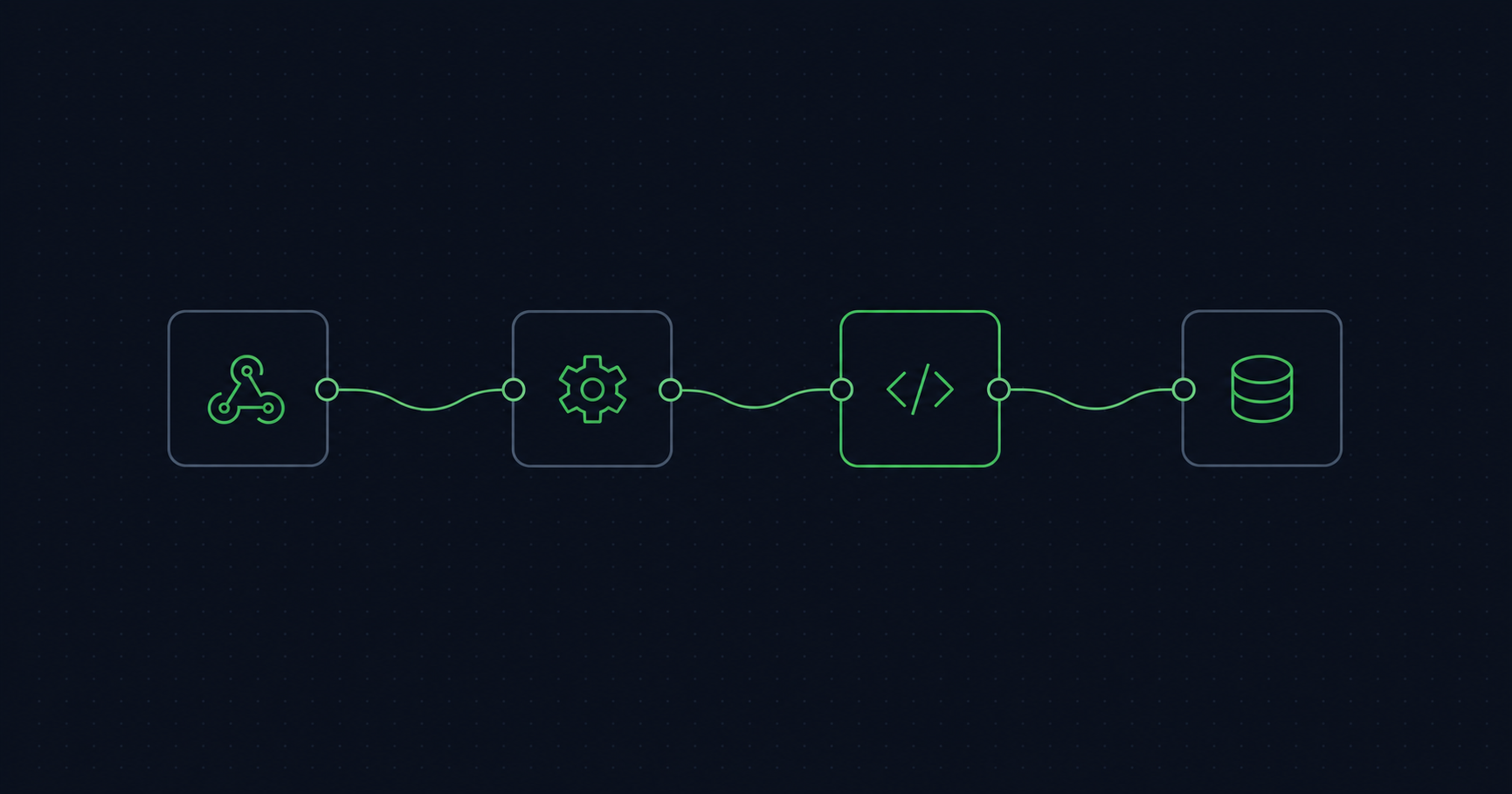
WhatsApp message ──▶ WaSphere ──signed webhook──▶ n8n Webhook node
                                                       │
                                          verify HMAC (Code node)
                                                       │
                                              your logic (Switch, AI, DB…)
                                                       │
WhatsApp reply  ◀── WaSphere ◀──HTTP Request node──────┘
Prerequisites
- n8n, self-hosted or cloud, reachable over HTTPS.
- WaSphere running with a connected WhatsApp session. The Quick Start takes about ten minutes: clone, set secrets,
docker compose up -d, scan a QR code. - A WaSphere API key with the
messages:sendscope.
One architectural note before you start: all your calls go to the Dashboard API, which proxies to the WA Server and injects the server token for you. n8n only ever holds your wsk_ key — the WA Server token never leaves your infrastructure. See API keys.
Step 1 — Store the API key as an n8n credential
Don't paste the key into node parameters. In n8n, create a Header Auth credential:
| Field | Value |
|---|---|
| Name | WaSphere |
| Header Name | Authorization |
| Header Value | Bearer wsk_your_key |
Now every HTTP Request node references the credential, the key stays encrypted at rest, and it doesn't end up in an exported workflow JSON you paste into a support forum.
Step 2 — Send a message
Add an HTTP Request node:
| Setting | Value |
|---|---|
| Method | POST |
| URL | https://api.yourdomain.com/workspaces/{workspaceId}/proxy/api/sessions/{sessionId}/messages/text |
| Authentication | Generic → Header Auth → WaSphere |
| Body Content Type | JSON |
Body:
{
  "to": "447700900123",
  "text": "Your order #{{ $json.orderId }} has shipped."
}
The same call as curl, to test outside n8n first:
curl -X POST \
  "https://api.yourdomain.com/workspaces/{workspaceId}/proxy/api/sessions/{sessionId}/messages/text" \
  -H "Authorization: Bearer wsk_your_key" \
  -H "Content-Type: application/json" \
  -d '{ "to": "447700900123", "text": "Hello from n8n." }'
The URL shape is always .../sessions/{sessionId}/messages/{type}. Swap text for image, document, location, poll, buttons, list, contact, reaction and the rest — each takes its own body fields, all documented in Send messages. Numbers go in international format, digits only, no +.
That's the outbound half done. It's genuinely that small.
Step 3 — Receive messages
Add a Webhook node, method POST, and copy its Production URL. Then — and this is the step to get right — open the node's Options and enable Raw Body. Without it n8n parses the JSON for you, and a re-serialized body will not match the signature that was computed over the original bytes.
Register the webhook with WaSphere:
curl -X POST "https://api.yourdomain.com/workspaces/{workspaceId}/webhooks" \
  -H "Authorization: Bearer wsk_your_key" \
  -H "Content-Type: application/json" \
  -d '{
    "name": "n8n",
    "url": "https://n8n.yourdomain.com/webhook/wasphere",
    "events": ["message.received"]
  }'
Subscribe to only what you need. The full set is eleven events — message.sent, message.delivered, message.read, message.failed, message.received, poll.vote, session.connected, session.disconnected, session.qr, session.failed, webhook.test. Every one of them will wake your workflow up, and on n8n Cloud every execution is metered, so ["*"] is an expensive default.
Each delivery arrives as:
POST /webhook/wasphere HTTP/1.1
X-WaSphere-Event: message.received
X-WaSphere-Signature: v1,sha256=<hmac-hex>
X-WaSphere-Timestamp: 1748168400
Content-Type: application/json

{
  "event": "message.received",
  "sessionId": "my-session",
  "timestamp": "2026-07-19T10:14:02.000Z",
  "deliveryId": "abc123",
  "data": { }
}
Step 4 — Verify the signature inside n8n
An n8n Production webhook URL is a bearer secret in a URL, which is to say: not much of a secret. It shows up in logs, in browser history, in a screenshot someone pastes into Slack. Verify the HMAC.
Add a Code node immediately after the Webhook node:
const crypto = require('crypto');

const secret = $env.WASPHERE_WEBHOOK_SECRET;
const headers = $input.first().json.headers;
const signature = headers['x-wasphere-signature'];
const timestamp = headers['x-wasphere-timestamp'];

if (!signature || !timestamp) {
  throw new Error('Missing WaSphere signature headers');
}

// Replay guard — reject anything older than 5 minutes
if (Math.abs(Date.now() / 1000 - parseInt(timestamp, 10)) > 300) {
  throw new Error('Stale webhook timestamp');
}

// Raw Body is delivered as base64 binary; sign the original bytes
const rawBody = Buffer.from(
  $input.first().binary.data.data,
  'base64',
).toString('utf8');

const expected =
  'v1,sha256=' +
  crypto.createHmac('sha256', secret).update(`${timestamp}.${rawBody}`).digest('hex');

const a = Buffer.from(signature);
const b = Buffer.from(expected);
if (a.length !== b.length || !crypto.timingSafeEqual(a, b)) {
  throw new Error('Invalid WaSphere signature');
}

return [{ json: JSON.parse(rawBody) }];
Set WASPHERE_WEBHOOK_SECRET in your n8n environment — for self-hosted n8n you also need N8N_BLOCK_ENV_ACCESS_IN_NODE=false for $env to be readable from a Code node. A thrown error here fails the execution, which is what you want: an unverified event should never reach your business logic.
The node returns the parsed body, so everything downstream sees normal JSON.
Step 5 — A complete auto-reply workflow
Seven nodes, and it does something real: triage inbound WhatsApp messages, answer FAQs with an LLM, escalate anything else to a human.
- Webhook (POST, Raw Body on) — receives
message.received - Code — verify signature, as above
- Switch — branch on
{{ $json.data }}content; route "order status" one way, everything else another - HTTP Request — look the order up in your own system
- AI Agent / OpenAI — draft a reply from the order data
- HTTP Request — send it back via
/messages/text - Slack / Email — on the fallback branch, notify a human
The point of the self-hosted route is step 6 costing nothing per execution. At a few hundred messages a day the difference between "free" and "per conversation" stops being an accounting detail.
Failure modes worth knowing about
401 or 403 on send. The Authorization header is missing, or the key lacks messages:send. WaSphere keys carry twelve scopes and a key can also be locked to a single session — a key scoped to session A returns 403 when you send through session B. That's a feature, and it's also the answer to "it worked yesterday."
Signature mismatch every time. Raw Body isn't enabled on the Webhook node, so you're hashing a re-serialized JSON string rather than the original bytes.
The workflow fires but n8n shows nothing. You copied the Test URL, not the Production URL. Test URLs are only live while you're watching the editor.
Webhook silently stops delivering. WaSphere retries three times by default and counts consecutive failures; a webhook that fails 50 times in a row is deactivated automatically instead of hammering a dead endpoint. If your n8n was down for a maintenance window, check whether the webhook is still active before debugging anything else.
Duplicate messages. Retries mean at-least-once delivery. Every payload carries a deliveryId — keep the recent ones in a static workflow variable or a small table and drop repeats. Any workflow that writes to a database or charges a card needs this.
Rate. WhatsApp tolerates automation, but not unlimited automation, and an unofficial connection can get a number blocked. Space out bulk sends, warm new numbers slowly, and only message people who messaged you first. No gateway — this one included — can promise a number never gets flagged.
Where to go next
- n8n integration guide — the reference version of this setup in the docs
- Webhooks — all eleven events, payload shapes, verification in Node, Python and PHP
- Self-host a WhatsApp API with Docker — the deployment side
- Evolution API vs WaSphere — if you're choosing between open-source gateways
The whole stack is MIT-licensed and runs as four Docker services. Read the source before you trust it with your customers' phone numbers — that's the entire argument for open source.