WhatsApp CRM integration with a self-hosted API
How to connect WhatsApp to your CRM without a BSP — phone-number identity matching, contact sync in both directions, logging conversations as activities, and sending from the CRM. With the webhook mechanics spelled out.
WhatsApp CRM integration with a self-hosted API
Your sales team already talks to customers on WhatsApp. The problem is that the conversation lives on someone's phone, so when they leave, or go on holiday, or simply forget to write it down, the CRM has no idea it happened.
A WhatsApp CRM integration fixes exactly one thing: every conversation becomes a record attached to the right contact, automatically. This guide builds that against a self-hosted WhatsApp API — no BSP, no per-message billing, and the message content stays on infrastructure you control, which matters if your CRM data is regulated.
We'll use WaSphere as the gateway. The CRM side is written generically — HubSpot, Salesforce, Pipedrive, Zoho and most self-hosted CRMs all expose the same three primitives this needs: search a contact by phone, create a contact, and attach a note or activity to one.
What you're building
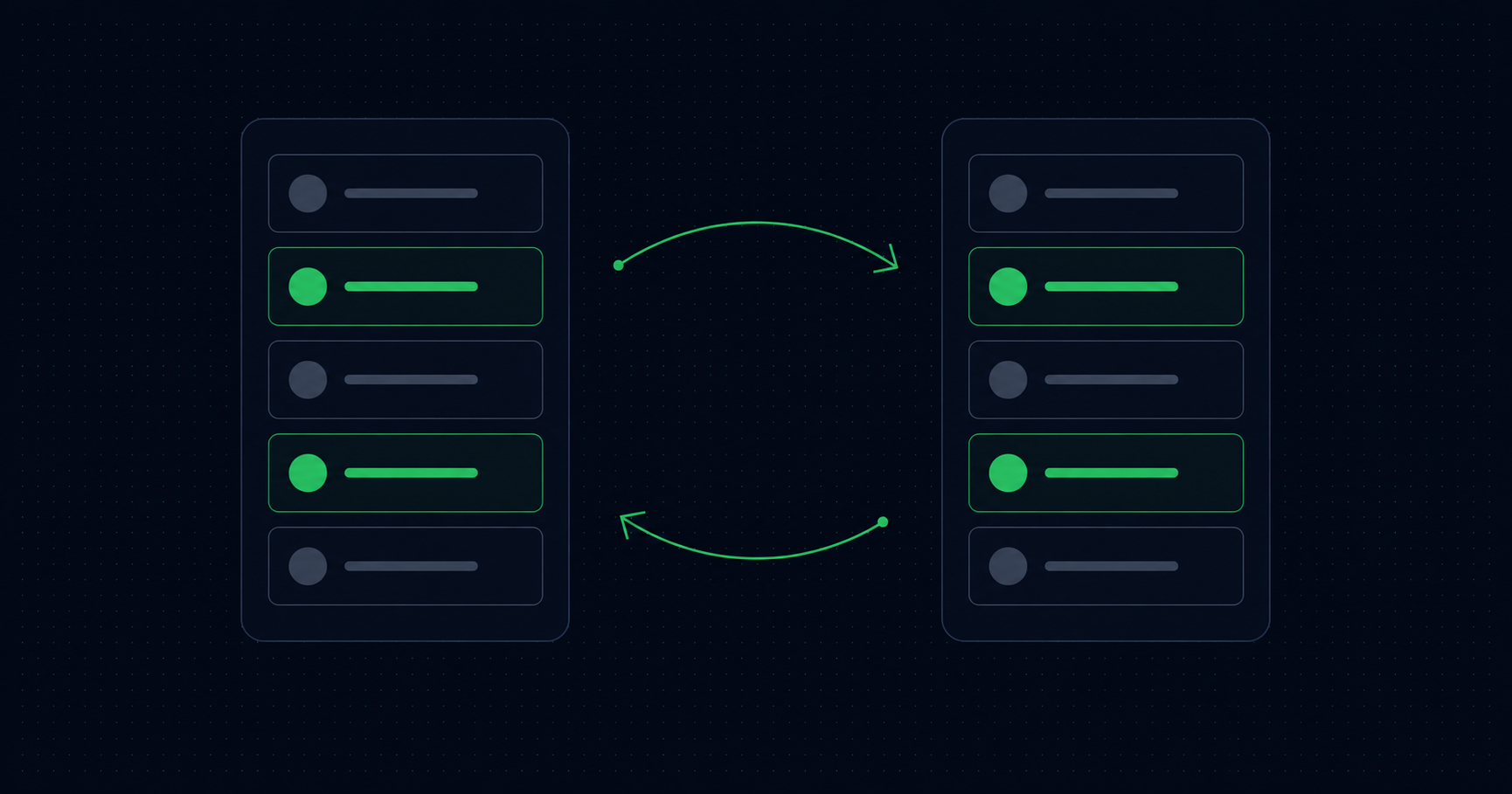
WhatsApp ──▶ WaSphere ──signed webhook──▶ [ connector ] ──▶ CRM
                                               │             (find/create contact,
                                               │              log activity)
WhatsApp ◀── WaSphere ◀──── REST ───────── [ connector ] ◀── CRM webhook / button
The connector is a small HTTP service. It owns one hard problem — identity — and a lot of easy plumbing.
The hard part first: matching a phone number to a CRM record
Everything downstream depends on answering "which CRM contact is 923001234567?" correctly, and this is where these integrations rot.
CRMs store phone numbers however the human who typed them felt that day: +92 300 1234567, 0300-1234567, (92) 300 1234567. WhatsApp gives you digits only, in international format, with no +. Naive string matching finds nothing, so the connector creates a duplicate contact, and three months later your CRM has two records for every customer.
Normalise on both sides before comparing. Store the normalised form as a dedicated indexed field in the CRM if you can — a custom property like whatsapp_phone — rather than trying to match against the free-text phone field forever:
import { parsePhoneNumberFromString } from 'libphonenumber-js';

// Returns digits-only E.164 without the '+', or null.
function normalise(input, defaultCountry = 'PK') {
  const parsed = parsePhoneNumberFromString(String(input), defaultCountry);
  if (!parsed?.isValid()) return null;
  return parsed.number.replace('+', '');
}

normalise('+92 300 1234567');        // '923001234567'
normalise('0300-1234567', 'PK');     // '923001234567'
The defaultCountry argument is doing real work: a local-format number is ambiguous without it, and getting it wrong silently attaches conversations to the wrong person. If your customers span countries, backfill the CRM once with a normalised field rather than guessing per-lookup.
Step 1 — Register the webhook
curl -X POST "https://api.yourdomain.com/workspaces/{workspaceId}/webhooks" \
  -H "Authorization: Bearer wsk_your_key" \
  -H "Content-Type: application/json" \
  -d '{
    "name": "crm-sync",
    "url": "https://connector.yourdomain.com/hooks/wasphere",
    "events": ["message.received", "message.receipt"],
    "retryMax": 3,
    "isActive": true
  }'
message.received gives you inbound conversations. message.receipt gives you delivery and read receipts for messages you sent — worth having if you want the CRM to show that the follow-up was actually read, and worth skipping if you don't, because it roughly doubles your event volume.
Every delivery is signed:
X-WaSphere-Event: message.received
X-WaSphere-Signature: v1,sha256=<hmac-hex>
X-WaSphere-Timestamp: 1748168400
The signature is HMAC-SHA256 over {timestamp}.{rawBody} using the WA Server's global WEBHOOK_SIGNING_SECRET, formatted with the v1,sha256= prefix. Verify over the raw bytes before parsing, and reject anything with a timestamp more than five minutes old. Full examples in Node, Python and PHP are in Webhooks — this is a connector that writes to your system of record, so unsigned events are not an acceptable input.
Step 2 — Inbound: message becomes a CRM activity
app.post('/hooks/wasphere',
  express.raw({ type: 'application/json' }),
  verifySignature,
  (req, res) => {
    res.sendStatus(200);            // ACK first — 10s budget, then retries
    ingest(JSON.parse(req.rawBody)).catch(console.error);
  },
);

async function ingest({ event, data, deliveryId }) {
  if (event !== 'message.received' || data.isGroup) return;
  if (await alreadyProcessed(deliveryId)) return;

  const phone = normalise(data.from.split('@')[0]);
  if (!phone) return;

  const contact =
    (await crm.findContactByPhone(phone)) ??
    (await crm.createContact({
      phone,
      firstName: data.fromName ?? 'WhatsApp contact',
      source: 'WhatsApp',
    }));

  await crm.logActivity({
    contactId: contact.id,
    type: 'note',
    direction: 'inbound',
    channel: 'WhatsApp',
    occurredAt: data.timestamp,
    body: renderBody(data),
  });
}

function renderBody(data) {
  if (data.type === 'text') return data.content.text;
  const url = data.content?.mediaUrl;
  return `[${data.type}]${url ? ` ${url}` : ''}${
    data.content?.caption ? ` — ${data.content.caption}` : ''
  }`;
}
Four details that decide whether this survives contact with production:
Acknowledge before you work. WaSphere marks a delivery failed if you don't respond within 10 seconds, then retries after 1s, 5s and 30s. A CRM API call on a slow day will blow that budget, and you'll log the same message four times.
Dedupe on deliveryId. Delivery is at-least-once. Without a seen-set, retries duplicate activities.
Don't create a contact for every unknown number. Wrong numbers, spam and delivery drivers will all message you. Consider only auto-creating after a real exchange, or tagging auto-created records so sales can triage them rather than having them silently pollute reporting.
Media doesn't live in the CRM. For media messages the payload's content includes a mediaUrl pointing at the downloaded file, plus mimeType and fileSize. Log the link, or re-upload to the CRM's own file storage — but decide deliberately, because a URL to a file on your gateway is only useful as long as that file exists.
Step 3 — Outbound: send from the CRM
The other direction is simpler. Whatever triggers it — a workflow, a button, a deal stage change — it's one POST:
curl -X POST "https://api.yourdomain.com/workspaces/{workspaceId}/proxy/api/sessions/sales/messages/text" \
  -H "Authorization: Bearer wsk_your_key" \
  -H "Content-Type: application/json" \
  -d '{
    "to": "923001234567",
    "text": "Hi Ali — your quote *#Q-1042* is ready. Any questions, just reply here."
  }'
The response is { "messageId": "...", "status": "sent" }. Log the activity outbound-side too, using that messageId as the key, so later message.receipt events can be matched to the right record instead of floating free.
The URL pattern is always .../sessions/{sessionId}/messages/{type}, across fourteen types — swap text for document to send the actual quote PDF, image for a product photo, buttons for a reply-button prompt. All documented in Send messages.
Step 4 — Which system owns the contact?
Pick one. Ambiguity here produces sync loops.
The usual correct answer is the CRM owns customer data; the WhatsApp gateway holds an operational view. WaSphere's contact book keeps whatsappName and savedName as separate fields precisely so an automated sync can't clobber a human's edit — WhatsApp profile names change on a whim, your saved name doesn't.
A one-way push from CRM to gateway keeps agent-facing context fresh without a loop. Import is additive and non-destructive — existing numbers are skipped and existing saved names and tags are never overwritten — so re-running it is safe:
curl -X POST "https://api.yourdomain.com/workspaces/{workspaceId}/contacts/import" \
  -H "Authorization: Bearer wsk_your_key" \
  -H "Content-Type: application/json" \
  -d '{
    "contacts": [
      { "phone": "923001234567", "name": "Ali Khan", "tags": ["Customer"], "notes": "Enterprise plan, renewal Sept" }
    ]
  }'
Up to 2,000 rows per import. Tags then let agents filter the book by CRM segment, and both tags and notes appear on the contact panel inside the inbox, so whoever picks up the thread sees the CRM context without switching tabs.
For bulk re-tagging after a segment changes, POST /contacts/bulk takes up to 500 ids with addTag, removeTag, or delete.
Step 5 — Lock the credentials down
Give the connector its own API key with only what it needs — messages:send, messages:read, sessions:read — rather than a wildcard. Keys can also be scoped to a single session, so a key for the sales number returns 403 if anything tries to send through support. That's a meaningful blast-radius reduction for a service that, by design, holds a credential and talks to the open internet. See API keys.
On the human side, dashboard roles are enforced server-side: a sales agent granted inbox and contacts cannot reach the API-key endpoints even by calling them directly.
Things that will bite you
Rate limits. 60 requests per minute per API key, 429 with a Retry-After header in seconds. A CRM workflow that fires a message per record on a list of 500 will hit it.
Send pacing. Every session waits a random 4–12 seconds before each outgoing message by default. That's roughly 7–8 messages a minute — deliberate, because uniform machine timing is what gets numbers flagged. Bulk sends from the CRM take far longer than you'd expect. See anti-ban controls.
Sessions disconnect. A 500 on send usually means the session dropped. Subscribe to session.disconnected and route it to whoever watches your integrations; the failure mode you must avoid is a CRM that cheerfully reports "message sent" for a week while the number is offline.
Ban risk is real. The default engine uses WhatsApp's unofficial web protocol — free, no 24-hour window, no template approval, and a number that can be blocked. For transactional volume you can't risk losing, run the session on the Meta Cloud API instead: same endpoints, same webhooks, per-conversation pricing, templates required outside the 24-hour window. Both engines can run side by side in one workspace.
Next
- Webhooks — full event list, payloads, signature verification, retry policy
- Contacts — the contact book, tags, import and export
- Send messages — all fourteen message types
- WhatsApp API for WHMCS — the same pattern against a billing system
- Connect WhatsApp to n8n — build the connector as a workflow instead of a service
The gateway is MIT-licensed and open source. Your customer conversations are among the most sensitive data you hold — read the code before you route them through anything.